The holiday season is the busiest and most profitable time of the year for small business owners. But here’s the truth: if your website isn’t ready, you could lose sales before customers even reach checkout.
The good news? Updating your website for holiday sales doesn’t have to take weeks or drain your energy. With a few smart fixes, you can refresh your site in just one afternoon and get it ready for Black Friday, Cyber Monday, and the holiday rush.
In this post, we’ll share 7 essential website updates most business owners forget before holiday sales and how to fix them quickly with Bluchic WordPress themes and Elementor templates.
PIN THIS POST FOR LATER!


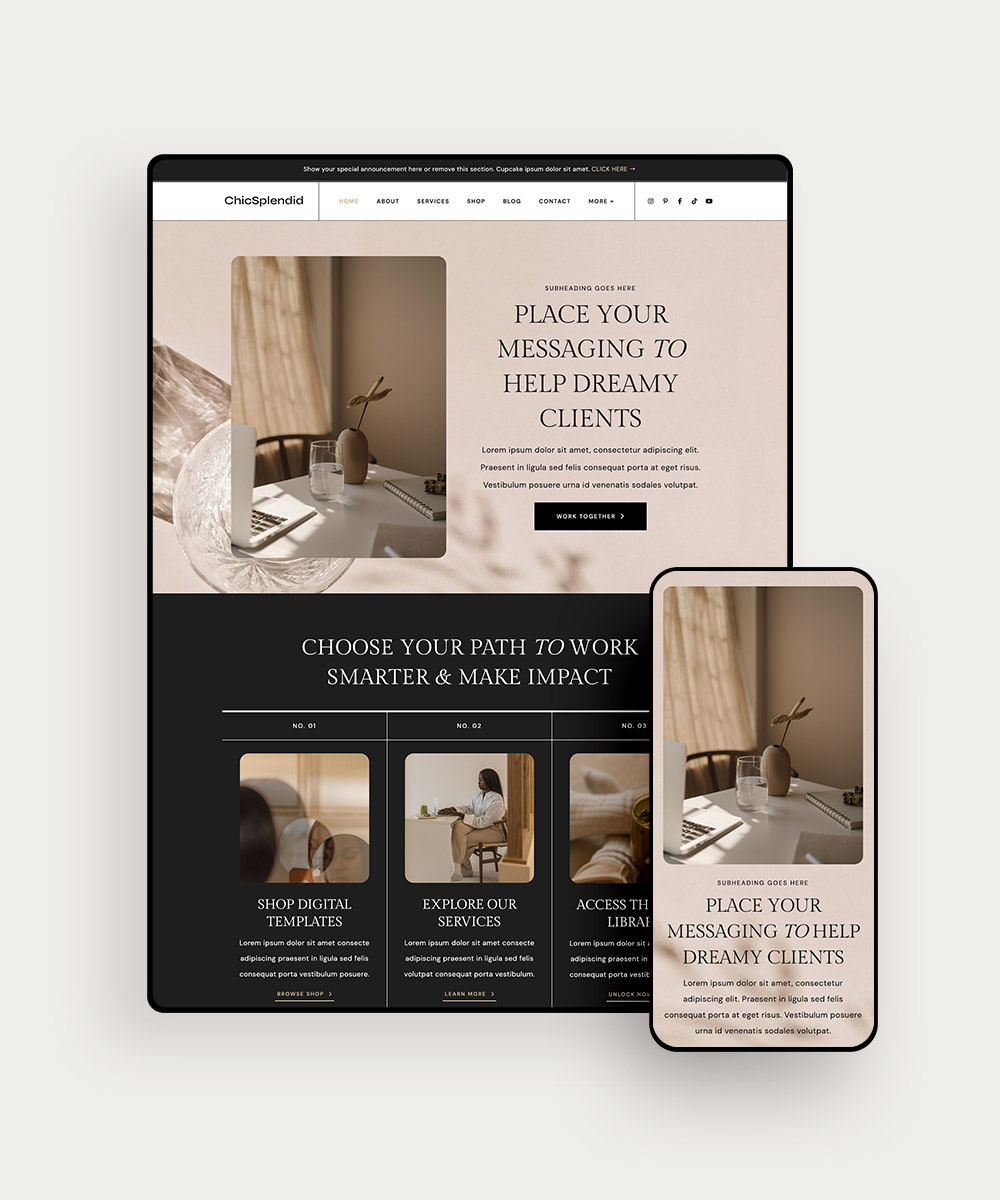
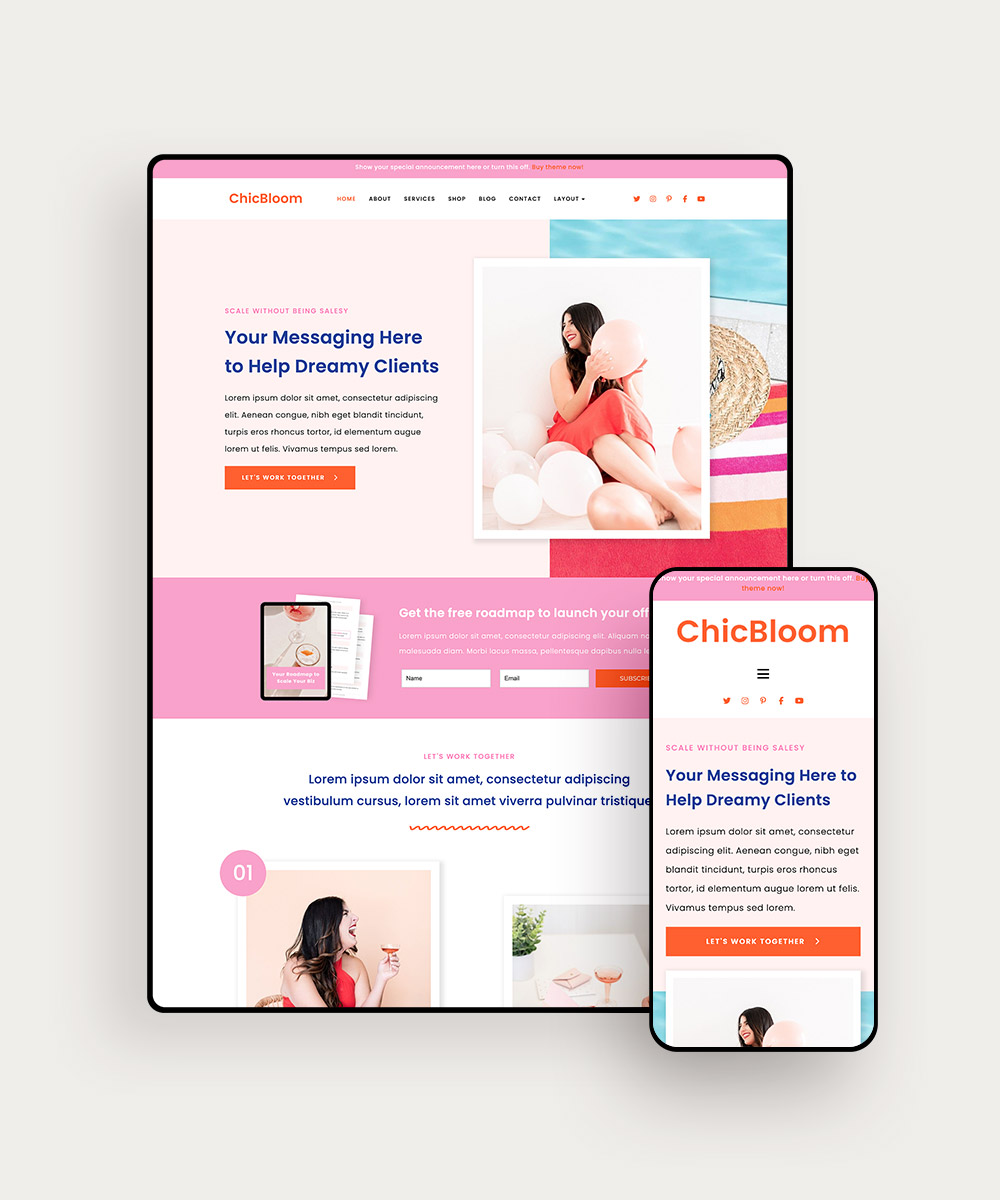
1 | Update Your Announcement Bar
Your announcement bar is the very first thing shoppers notice when they land on your site. Think of it as your holiday store greeter: simple, direct, and impossible to miss.
It highlights your holiday deals — discounts, free shipping perks, or bundle offers — without making shoppers dig for the details.
What to include:
- A clear discount or promo
- The deadline (urgency matters)
- A bold, clickable button CTA
Imagine scrolling a site that says: “Holiday Sale: 20% off everything — this weekend only. Shop Now.” There’s no confusion. Shoppers know what’s happening, when it ends, and what to do next.
Pro tip: Use a contrasting color so your announcement bar stands out. If your brand palette is soft or neutral, try a seasonal pop of red or gold.
Related post: The Best Black Friday Sale Strategy: Discounts vs. Bonuses
2 | Refresh Your Homepage Hero
Your homepage hero is the storefront window display of your online business. It’s where shoppers decide whether to stay and browse or click away.
If your best deal or gift-worthy product isn’t front and center, you’re leaving money on the table. Burying your offer further down the page is like hiding your best product in the back of the store.
Quick refresh ideas:
- Feature your holiday offer front and center
- Swap in seasonal images, banners, or text callouts that capture holiday vibes
- Add a headline that spells out the offer clearly
Even small swaps like adding a cozy seasonal image or festive headline can make your site feel refreshed and ready for holiday shoppers.
3 | Reorder or Feature Your Best-Sellers
Imagine walking into a store and having to dig through racks to find the best-sellers. Not ideal, right? The same goes for your website.
Holiday shoppers are busy and often buying gifts. They want your most popular or “perfect gift” options right up front.
How to do it:
- Move best-sellers higher on your homepage
- Add a “Holiday Favorites” or “Customer Favorites” section
- Use visual blocks to highlight your most giftable offers
This simple change makes it effortless for shoppers to find and buy your top items.
Related post: How and Why to Do an End-of-Year Audit for Your Online Shop
4 | Check Your CTA Buttons
Your call-to-action (CTA) buttons may be small, but they carry big weight. During the holiday rush, they need to do more than say “Learn More.”
The right button text, color, and font can mean the difference between a shopper converting or scrolling past.
A low-contrast button with generic text will get overlooked. But a bold button that pops against your background with a benefit-driven phrase like “Snag the Deal” or “Shop Best-Sellers” invites action.
Quick fixes:
- Use action-focused text like “Snag the Deal,” “Shop Best-Sellers,” or “Claim Your Spot”
- Choose a high-contrast color, so the button pops against your background
- Keep fonts bold and readable, avoiding hard-to-read scripts
- Make buttons large enough to tap easily on mobile
All Bluchic WordPress templates include pre-styled CTA buttons with proven color and sizing for conversions.
5 | Update Your Mobile Layout
More than half of holiday shopping happens on mobile. If your website is not mobile-friendly, you could be losing customers without even realizing it.
A site that looks perfect on desktop can easily fall apart on smaller screens. If shoppers can’t browse, tap buttons, or check out easily from their phone, they’ll move on to the next shop.
Quick checks:
- Test your homepage, product pages, and checkout on your phone
- Make sure buttons are thumb-friendly and large enough to tap
- Avoid long text blocks that require endless scrolling
- Optimize images for faster load times
Every Bluchic WordPress theme is designed to be mobile-optimized, so you are not losing sales on small screens.
Related post: Want to make sure your website looks great on desktop and mobile devices? Follow these mobile optimization tips!
6 | Test and Simplify Checkout
Checkout should feel effortless, like walking into a boutique, picking up what you love, and breezing straight to the register. Online shoppers expect the same smooth experience.
The moment checkout feels clunky or time-consuming, they’ll abandon their cart and head to a competitor who makes it easier. Studies show that more than half of shoppers abandon carts — often because the process takes too long, shipping costs aren’t clear, or payment fails.
Quick fixes:
- Reduce clicks and keep checkout as short as possible
- Test payment gateways to ensure everything works smoothly
- Display shipping costs and return policies upfront
When checkout is seamless, customers feel confident completing their purchase and are more likely to return for future orders.
7 | Highlight Trust Builders
Holiday shoppers may be buying from you for the first time, which means they need quick reassurance before hitting “purchase.”
In a season filled with competing offers, customers naturally gravitate toward brands they trust. Without visible credibility, they may hesitate or leave your website altogether.
Quick fixes:
- Add testimonials with photos or star ratings
- Clearly display guarantees, shipping policies, or return deadlines
- Showcase press features or brand partnerships
Place these trust signals in high-visibility areas such as your homepage, product pages, and landing pages where purchase decisions happen. With proof of reliability front and center, shoppers feel more confident and are less likely to hesitate before checking out.
Related post: 4 Ways to Collect and Share Testimonials to Increase Your Conversion Rate
Wrapping It Up
Getting your website holiday-ready doesn’t require massive changes. Instead of scrambling to overhaul everything, focus on these small but powerful updates: announcement bar, homepage hero, best-sellers, CTA buttons, mobile layout, checkout, and trust builders.
A few thoughtful tweaks can mean the difference between shoppers bouncing and shoppers buying.
Ready to make your site shine for the holidays? Explore our WordPress themes and Elementor templates and get your site holiday-ready today.