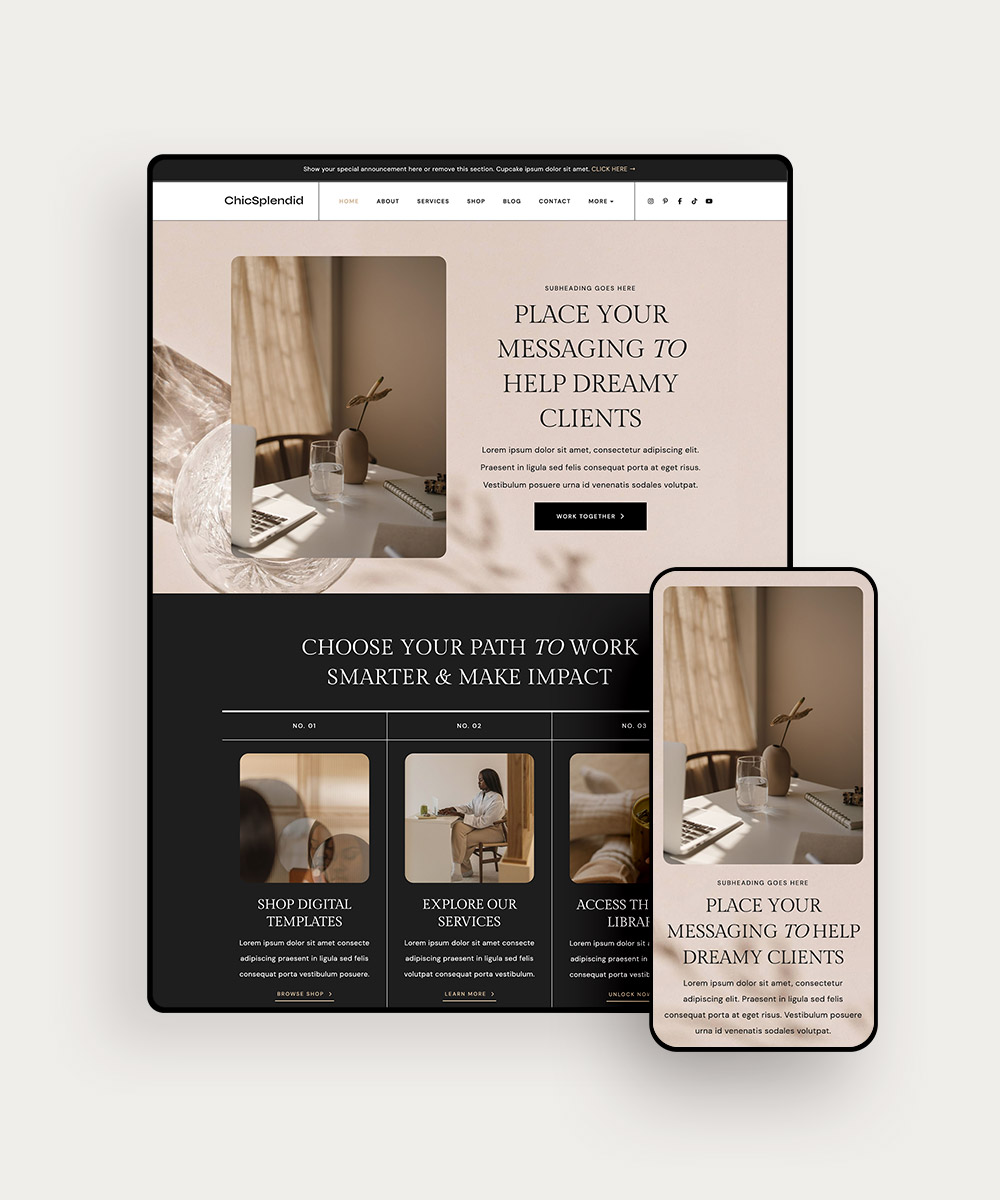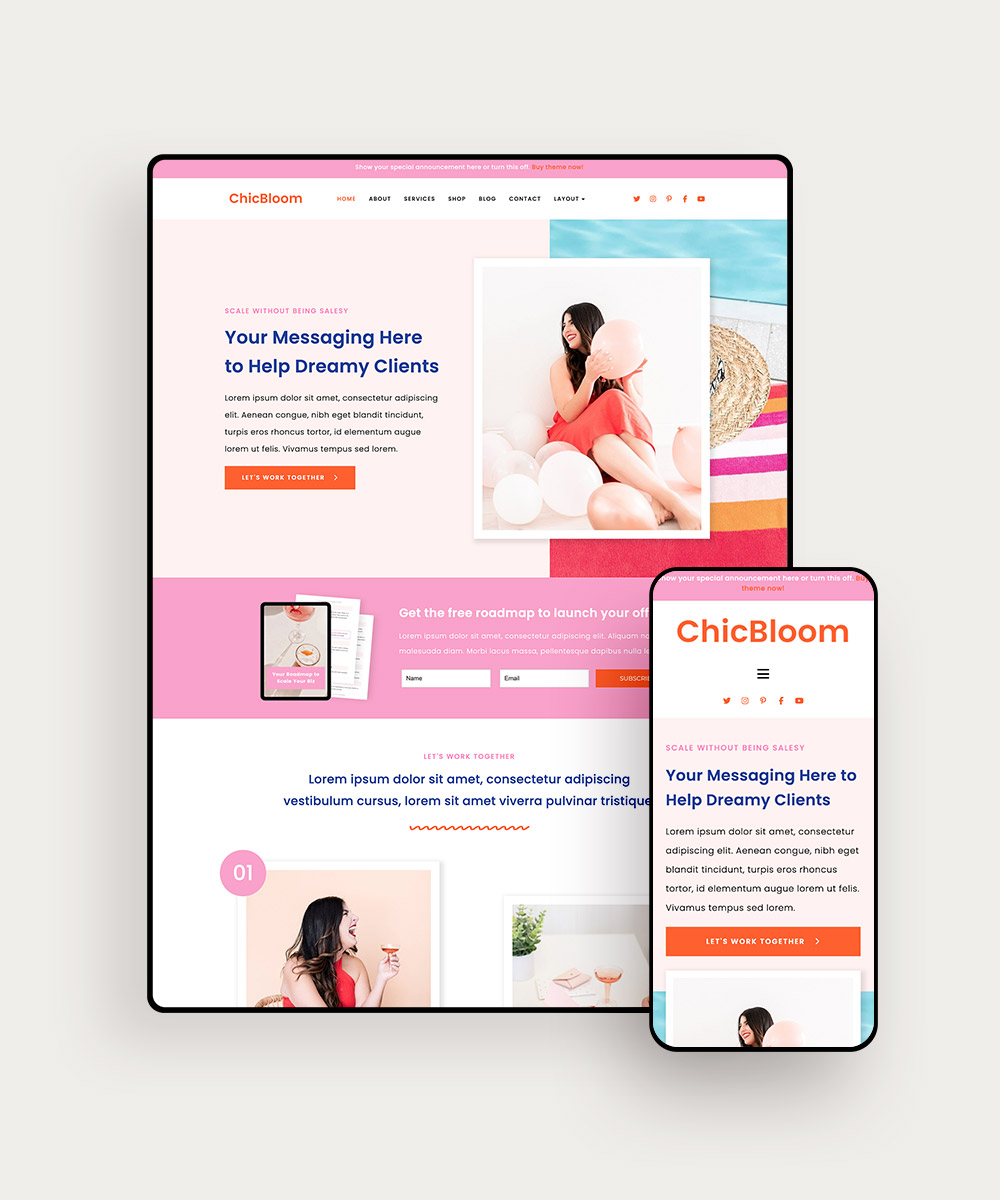
You’ve had your WordPress website for a while. Maybe you’ve been using the same Bluchic classic theme for years, but your business looks quite different from when you first set it up.
Now you’re looking at one of our newer Elementor themes and wondering what happens to everything you’ve already built.
What happens to your blog posts? Your pages? Your images? Your categories?
If you have hundreds of blog posts or a homepage you’ve spent years tweaking, changing your Bluchic WordPress theme can sound like a much bigger project than it actually is.
The good news is that switching WordPress themes doesn’t mean starting your website over. Your existing content remains in WordPress while the new theme changes how your website looks and how your pages are laid out.
If you’re moving from a classic Bluchic theme to one of our newer Elementor themes, there are a few things worth knowing first. Here’s what stays, what changes, and how to make the transition.
PIN THIS POST FOR LATER!

What Stays When You Change Your WordPress Theme?
Let’s start with the part that usually causes the most concern: everything you’ve already spent years creating.
Because your website is already on WordPress, your blog posts, pages, images, categories, and other content remain in your WordPress site when you change themes.
There’s no need to manually move your blog posts into the new theme.
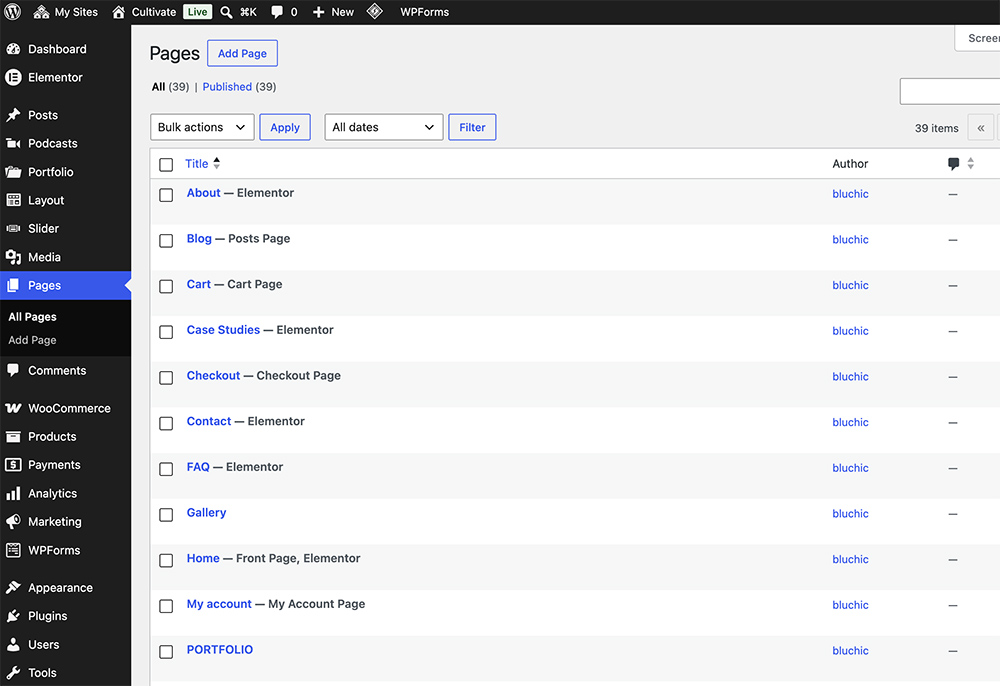
Your existing pages also remain in your WordPress dashboard. That includes your Home, About, Contact, Services, and landing pages.
The same goes for your media library. Your existing images, graphics, and other files will still be available when you build the new design.
Your blog categories stay in place as well. If you want to rename a category during the redesign, you can update it directly in WordPress, and your existing posts will use the new category name.
Related post: 8 Beautiful Creative Entrepreneur Website Examples That Win Clients
What Changes With a New WordPress Theme?
The part that changes is the design and layout of your website.
A new theme comes with its own page templates, layouts, fonts, colors, and design elements. Your existing pages won’t automatically transform into the new theme’s aesthetic when you activate the theme.
With a Bluchic Elementor theme, this gives you new layouts for pages such as Home, About, and Services. You can then open those pages in Elementor and replace the demo content with your own copy, images, colors, and branding.
Your old pages remain in your WordPress dashboard as drafts or published pages. They can be useful as a reference if you want to copy specific wording or content into your new pages.
If you’re replacing an existing page, you can also give the new page the same URL as the page you’re replacing. For example, if your existing service page is yoursite.com/service-name, you can use that same URL instead of creating yoursite.com/service-name-2.
How to Change From a Classic Bluchic Theme to a Newer Elementor Theme
If you’re moving from a classic Bluchic WordPress theme to one of our newer themes built with Elementor, you’ll be setting up your new layouts inside the Elementor page builder rather than editing your old theme’s layouts.
For example, if you’re moving to Cultivate, you’ll import the templates included with the theme.
The same basic process applies when moving to another Bluchic Elementor theme. Once the templates are imported, open each page in Elementor and replace the demo content with your own copy, images, colors, and branding.
Start on a Staging Site or Use Maintenance Mode
If you already have an existing website, there are two ways to work on the new theme:
1. A Staging Site (Recommended): This creates a private copy of your website. You can install the new theme and build your new pages without changing what visitors see on your existing website. Your hosting company can usually help you set one up.
2. Maintenance Mode: If you’re comfortable taking your website offline temporarily, you can activate a “Coming Soon” or “Under Construction” page while you work on the new theme.
A staging site is the better option if you want visitors to keep accessing your existing website while you work behind the scenes.
The Basic Steps to Change a WordPress Theme
Once your working environment is ready, the transition looks something like this:
- Set up your staging site or turn on maintenance mode.
- Install and activate your new Bluchic Elementor theme.
- Import the page templates included with your new theme.
- Customize the new pages in Elementor with your own copy, images, colors, and branding.
- Use your existing pages as a reference when you need to bring over specific wording or content.
- Review your new pages and blog posts.
- Push the finished site live when you’re ready.
Want to see what the transition looks like? Watch our step-by-step video showing how to move from a classic Bluchic theme to a newer Elementor theme, using Cultivate as the example:
What If You Have Hundreds of Blog Posts?
If you’ve published 300 blog posts over the years, you might wonder if changing your WordPress theme means rebuilding your entire blog.
It doesn’t.
Your existing posts will still be there after the theme change. You won’t need to import each one into the new theme.
For most posts, there may be very little to update. One thing worth checking is your featured images, since the new theme may use different image dimensions or cropping.
Your categories remain available as well. If you rename one during the redesign, the updated category name will apply to the posts already assigned to it.
So even with hundreds of posts, the work is mainly on the website’s new design rather than rebuilding your entire blog.
Related post: 8 Business Coach Website Examples Built With Elementor
What About SEO When You Change Your WordPress Theme?
Changing your WordPress theme doesn’t automatically remove the SEO work you’ve already done.
The theme can change how your pages are structured and displayed. Your URLs, headings, SEO settings, and mobile presentation are all worth reviewing as part of the transition.
Here are the main things to check:
- Keep important URLs consistent: If your existing service page is yoursite.com/service-name, use that same URL for the new page rather than creating yoursite.com/service-name-2.
- Check your headings: Make sure important pages still have a clear H1, with supporting sections using H2 and H3 headings where appropriate.
- Check your SEO plugin: If you use an SEO plugin such as AIOSEO, make sure it’s still active and that your important SEO titles and meta descriptions are still in place.
- Check your mobile layout: Open your key pages on your phone and check the text, images, buttons, navigation, and spacing. A new theme can change how those elements appear on smaller screens.
A staging site makes these checks easier because you can work through the new design without changing your existing website.
Related post: WordPress SEO Basics to Help You Show Up More Online
Should You DIY Your Theme Change or Get Help?
If you have a smaller website, are comfortable with WordPress and Elementor, and don’t have much custom functionality, you may be able to handle the transition yourself.
The basic process is fairly straightforward: set up your working environment, install the new theme, import the templates, customize the pages, review the site, and then make it live.
A website with hundreds of posts, a complicated homepage, custom layouts, an online shop, integrations, or other features may take more planning.
If you’re not comfortable troubleshooting those parts yourself, you may prefer to have someone handle the installation and initial setup. You can still do the customization yourself afterward.
We offer an Installation Service where we’ll install your Bluchic theme and set it up to look like the demo. You can then take over and customize your content, colors, images, and other details.
Learn more about Bluchic Installation Services.
Ready for a New Bluchic Theme?
A new theme can be a practical next step when an older Bluchic design no longer fits the business behind it.
As we’ve covered, changing your WordPress theme doesn’t mean rebuilding your website from scratch. Your pages, blog posts, images, and categories stay in WordPress. The main work is creating your new page layouts, moving over the content you want to keep, and checking your URLs, SEO settings, and mobile layout before you launch.
That’s where a newer Bluchic Elementor theme can make the redesign easier. Our themes give you professionally designed layouts to build from, with Elementor making it simple to customize the pages with your own content, images, colors, and branding.
Ready to give your website a new look? Browse our Bluchic WordPress themes.