It’s a brand-new year! And that means it’s a great time to update your site so it’s ready to attract new customers.
There are countless ways to refresh your website, from minor copy edits to a complete rebranding. But those extremes aren’t your only options — there’s a lot of middle ground.
If you’re not sure how to refresh your website, we’ve got some suggestions. Focus on these four areas, and you’ll ensure that your site is functional, accurate, and ready to make a great first impression on your visitors.
PIN THIS POST FOR LATER!


Why Should You Refresh Your Website?
When you’re spending all your time running your business, interacting with customers, and dreaming up your next offer, it’s easy to forget about all the details on your website.
But your site is your first chance to introduce yourself and your business to prospective clients. So it’s essential to make sure that everything on your website is accurate and on-brand.
You probably update some parts of your website frequently — your blog and shop page might get a lot of attention.
But what about the footer? Or your About page? When was the last time you reviewed them?
Now is the perfect time to check and refresh those “static” pages on your website and make sure they’re up to date.
1 | Contact Information & Footer
Let’s start with your contact information. It might be located in several different spots on your site, so look at each page so you don’t miss anything. (And don’t forget to check the desktop and mobile versions of your website!)
Is your contact information accurate? Double-check the phone number and email address for typos. If you have a contact form on your site, it’s a good idea to test it so you know that it’s working correctly.
Lastly, take a look at the footer on your site. Is everything there accurate? Check all the links — are any of them broken? Verify that the footer includes everything that should be there:
- Links to your social media profiles
- Links to the essential pages of your site, like your shop, FAQs, and press pages
- A link to your terms & conditions and other legal documents
You might also want to include your mission statement or an opt-in form in your site’s footer.
Related post: Spring Site Tips: A Website & Social Refresh
2 | Offer Details
Are all the details about your offers up to date? You might not think your sales pages or shop needs refreshing — after all, you probably check those pages regularly whenever you add or update your offers.
But it’s a good idea to review the details of your offers wherever they’re mentioned on your site. It’s easy to overlook some outdated copy in other parts of your site when you’re updating your sales page or product listings.
Check everything related to your sales funnel, each individual product listing, your general shop page, and anywhere else your offers are mentioned.
If you have a few extra minutes, you might also want to test out any current promo codes to see if they’re working as intended. Check outdated codes as well to make sure your site isn’t giving discounts when it’s not supposed to.
Related post: 6 Ways to Organize Your Offers on Your Website
3 | About Page
Now it’s time to check all the info on your About page. If it’s been a while since you set up your website, chances are there are some things you can update or add to your About page:
- Awards
- Case studies
- Personal/brand appearances (podcasts, publications, guest blogs, etc.)
- Collaborations with other brands
- Professional background/credentials/education
- Mission statement/goals
If you have a personal or service-based brand, it’s crucial to keep your About page up to date. That’s where potential customers will usually look for the information they need to decide whether to work with you.
And even if your site mostly focuses on the products you sell, it’s still important to ensure that the information on your About page is accurate. Include enough details to give potential customers a sense of what they can expect when buying from you.
Related post: How to Let People Know What You Stand for on Your Site
4 | SEO Keywords
Search engine optimization is a crucial part of your marketing strategy — it’s what determines how well your website performs in search results. And keywords are one of the most important aspects of SEO.
But it’s not enough to just figure out your SEO keywords once and then use them forever. Search engine algorithms change often, and those updates can have a big impact on how you should use keywords.
And search engine changes aren’t the only things that can affect SEO keywords. Your target audience may shift slightly over time. Your industry may evolve. You may decide to target your products to a narrower niche — or to broaden your audience.
If it’s been a while since you reviewed your SEO keywords, don’t wait any longer. The more accurate your keyword list is, the easier it is to optimize your content. And the better chance your site has of ending up at the top of the search results.
Related post: WordPress SEO Basics to Help You Shop Up More Online
Final Thoughts
If you’ve made all these updates but your website still feels a little outdated, maybe it’s time for a full revamp! It might be a little daunting to think about changing everything, but it doesn’t have to be an expensive or time-consuming process.
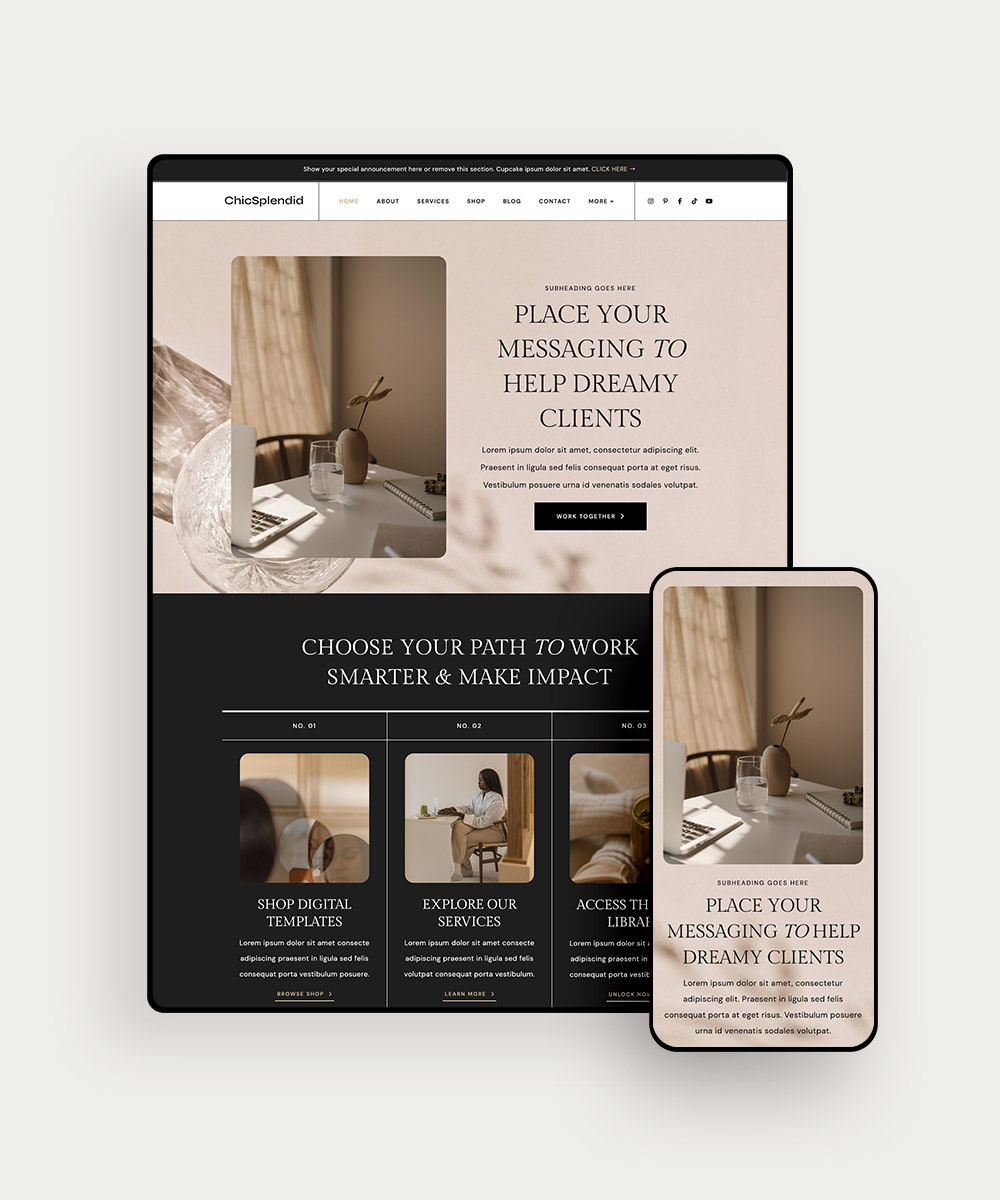
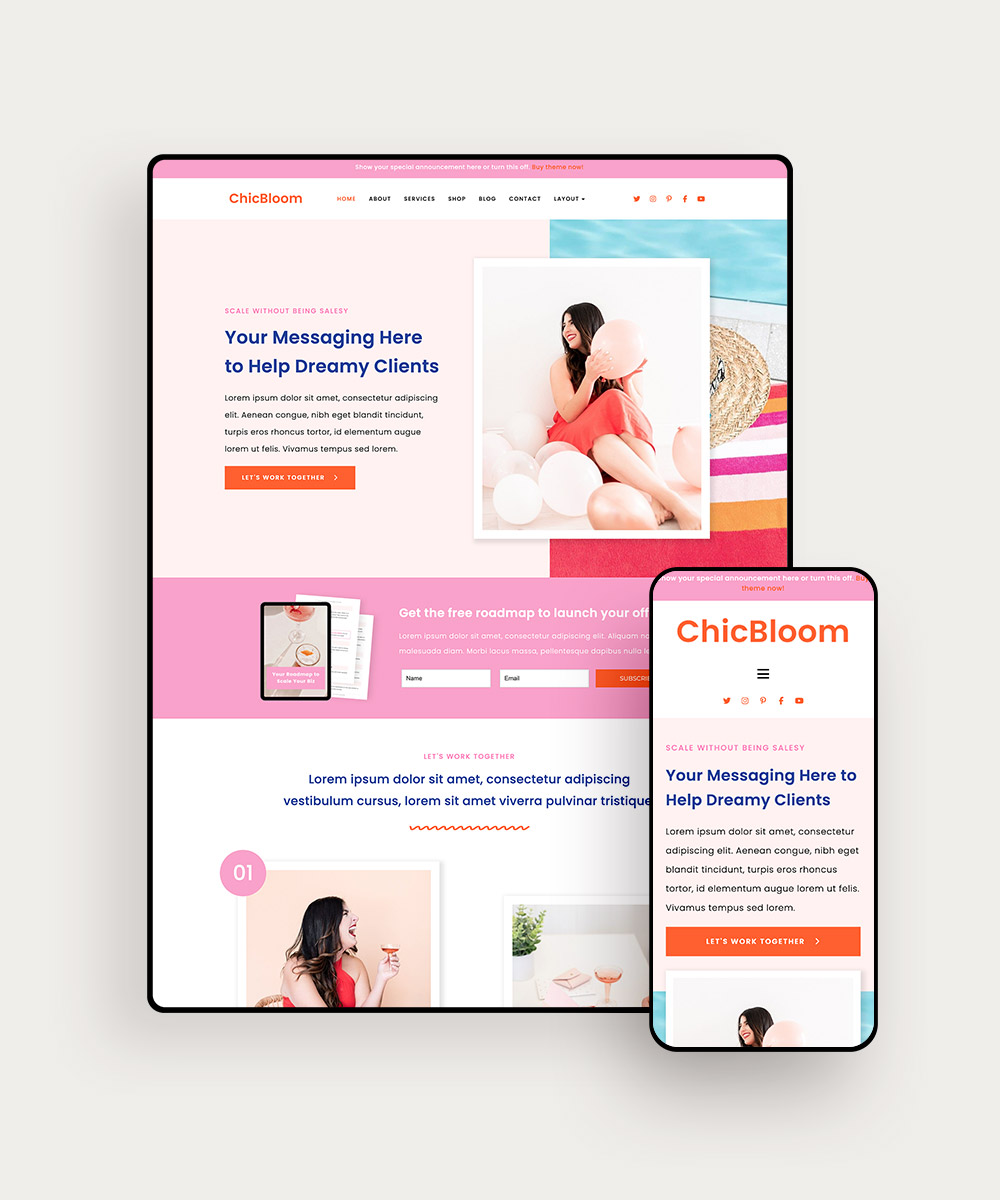
Our customizable WordPress themes make it easy to give your website a fresh new look — and you don’t need any tech skills to use them! Just choose your favorite theme, customize it for your brand, and upload — that’s it!
And check out our Canva and Add-On Templates, too! Use them to add more pages to your site or make sure all your social media posts seamlessly match your branding. Browse the complete collection of WordPress Themes to find the perfect one for your site!