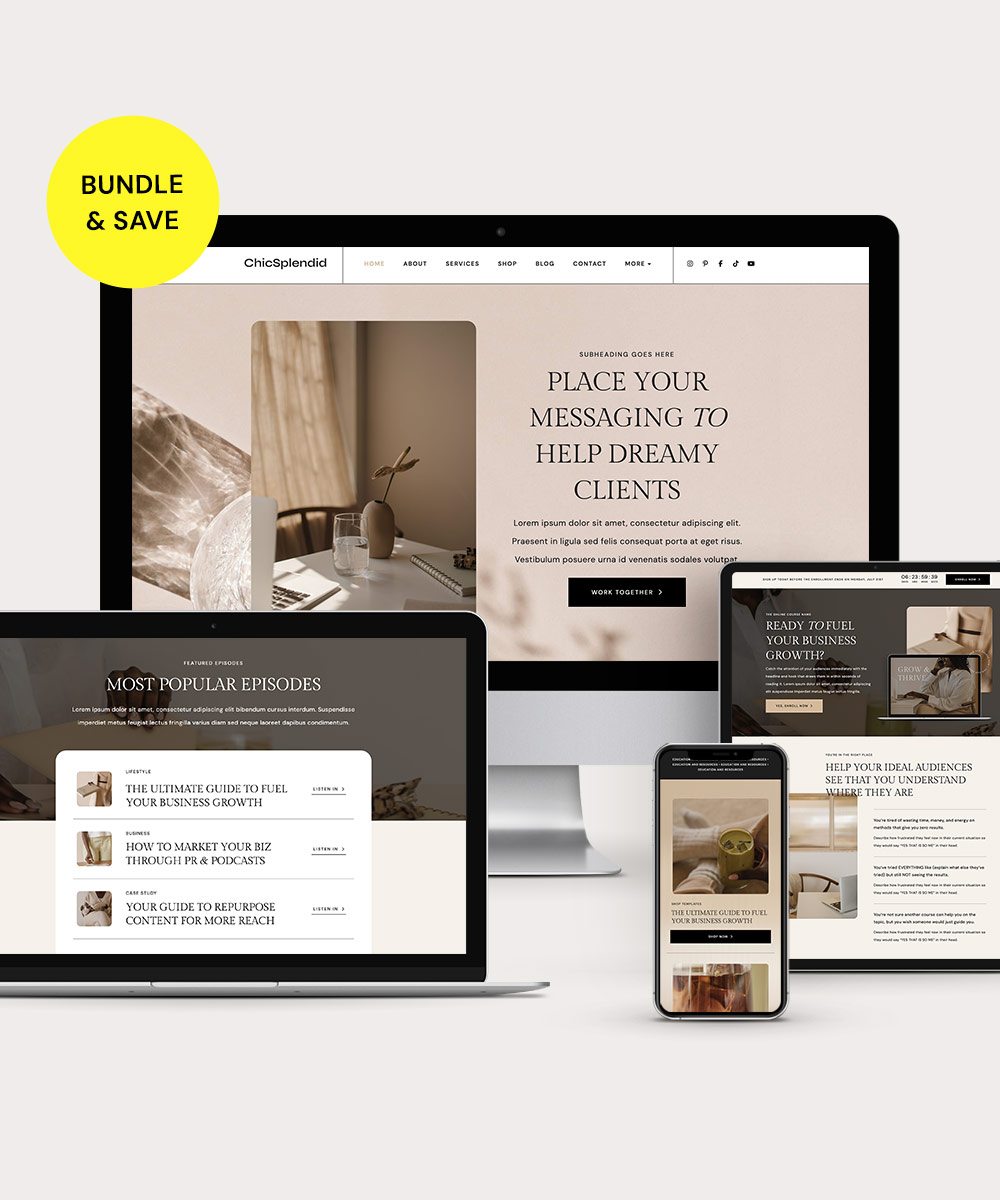
Every so often, it’s nice to give your website a little pick-me-up. Whether you just want to freshen up the look and feel or you’re doing a complete rebrand and relaunch, a template can make it easier to update your site.
But which website template should you choose? It’s not just about the aesthetics, although those are important. There are several other things to consider when selecting a template.
Follow these tips to make sure you choose the best website template for your business.
PIN THIS POST FOR LATER!


1 | Decide Which Features Matter to You
Before you start shopping for templates, take a minute to think about the features you want. Here are some of the features to consider in a template:
- Customization options (colors, fonts, buttons, etc.)
- Compatibility with your hardware and website hosting provider
- Navigation design
- Ease of use
- Responsive design that works on desktops, tablets, and mobile devices
- Compatibility with e-commerce tools like a shopping cart and payment platform
Your website is the first way that many potential customers will interact with your brand. So make sure you choose a template that allows you to build the site you want — one that makes an excellent first impression on visitors.
Related post: What Your Beauty Brand’s Website Needs to Succeed
2 | Figure Out Which Pages You Need
Now that you’ve considered which template features you care about most, take a minute to decide what pages you need on your website.
If you have an active site that you’re refreshing, you might already have a complete list of pages — although it’s always worth re-evaluating to make sure your current site has all the pages you want and doesn’t have any that you no longer need.
If you’re building your site from scratch, think about the pages you want to present to potential clients. You probably want a home page, about page, and at least one page describing your products or services.
But there are many other options to consider as well:
- A resources library
- A podcast page
- A sales funnel opt-in/landing page
- A blog page
- An online storefront and/or individual product pages
- An affiliate program sign-up page
- A portfolio of your work
You don’t necessarily need a million pages on your website. Consider what your target audience is looking for and how you want to engage them with your brand. Then, choose the pages that will do that best.
Related post: Why Create a Resource Page for Your Website?
3 | Select a Design That Matches Your Brand
Now it’s time for the fun part — choosing a website template that matches your brand! Choose a template that’s customizable so you can incorporate your brand colors and fonts.
But also consider the overall feel of your brand. Is it dark and sophisticated? Bright and fun? Focused on educating your clients or showcasing your best work?
It might take a little while to find the template that best matches your brand. But take the time to find that perfect fit!
It’s crucial to have a consistent, clear brand — that’s how your audience recognizes you. If your website feels “not quite right,” it can confuse potential clients and make it harder to build name recognition in your industry.
Related post: How to Create Your Brand Guidelines in Just a Few Hours
4 | Consider the Technical Aspects
If you’re choosing to use a website template, you probably don’t have the time or interest to design and code your website from scratch. That’s OK — that’s why templates exist!
But even if you aren’t tech-savvy, it’s important to think about what technical features you want in your template. If you don’t want to waste time messing with HTML code or trying to get the mobile formatting to work, make sure you choose a template that will handle all of that for you.
Here are some key technical features to consider:
- Easy/automatic software updates
- Cookie consent and privacy policies
- Plugin compatibility
- Access to customer support or tech assistance
Don’t forget to make sure the template you choose comes with clear instructions or tutorials to install, customize, and update it.
Related post: Our Favorite Service-Based Sites Made With Bluchic WordPress Themes
5 | Don’t Overlook SEO Options
Finally, make sure you choose a website template that includes SEO functionality. Search engine optimization is a crucial part of building a successful website — if your site performs well on Google, you’ll get more traffic and leads.
So check to see whether the template you’re considering includes SEO features. Here are some features of an SEO-friendly template:
- A responsive design (that adjusts for different screen sizes, like mobile devices)
- Optimized header tags (H1, H2, etc.)
- Support for optimized images and alt text
- Well-designed site structure and hierarchy
- Clear navigation tools
You can improve your site’s SEO performance by selecting a template that incorporates the features that make Google happy.
Related post: 5 Ways Google Analytics Can Grow Your Brand Reach
Final Thoughts
A template can make the process of updating your website fast and easy. The key is to choose the right website template — one that matches your brand, includes the features you want, and is easy to install and manage.
You get all of those features and more when you choose templates and WordPress Themes from Bluchic. All of our WordPress Themes feature beautiful aesthetics, user-friendly design, and easy customization. Plus, we offer matching templates so you can expand your site with landing pages and sales funnels that work seamlessly.
If you want to spruce up your website without investing in a web designer or web developer, just browse the Bluchic shop. Choose a Bundle to save money on a beautiful WordPress Theme plus matching Add-On and Sales Funnel templates.