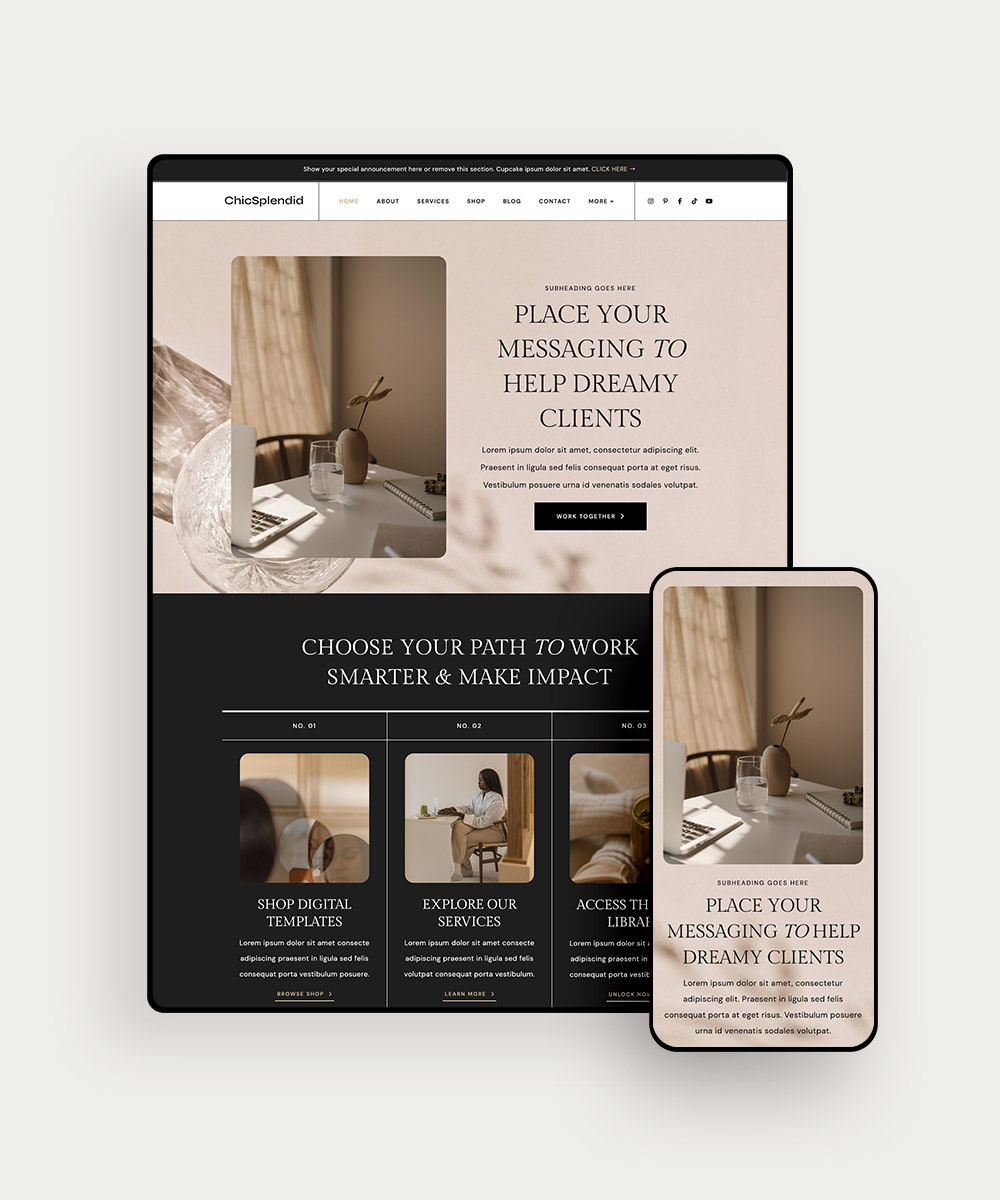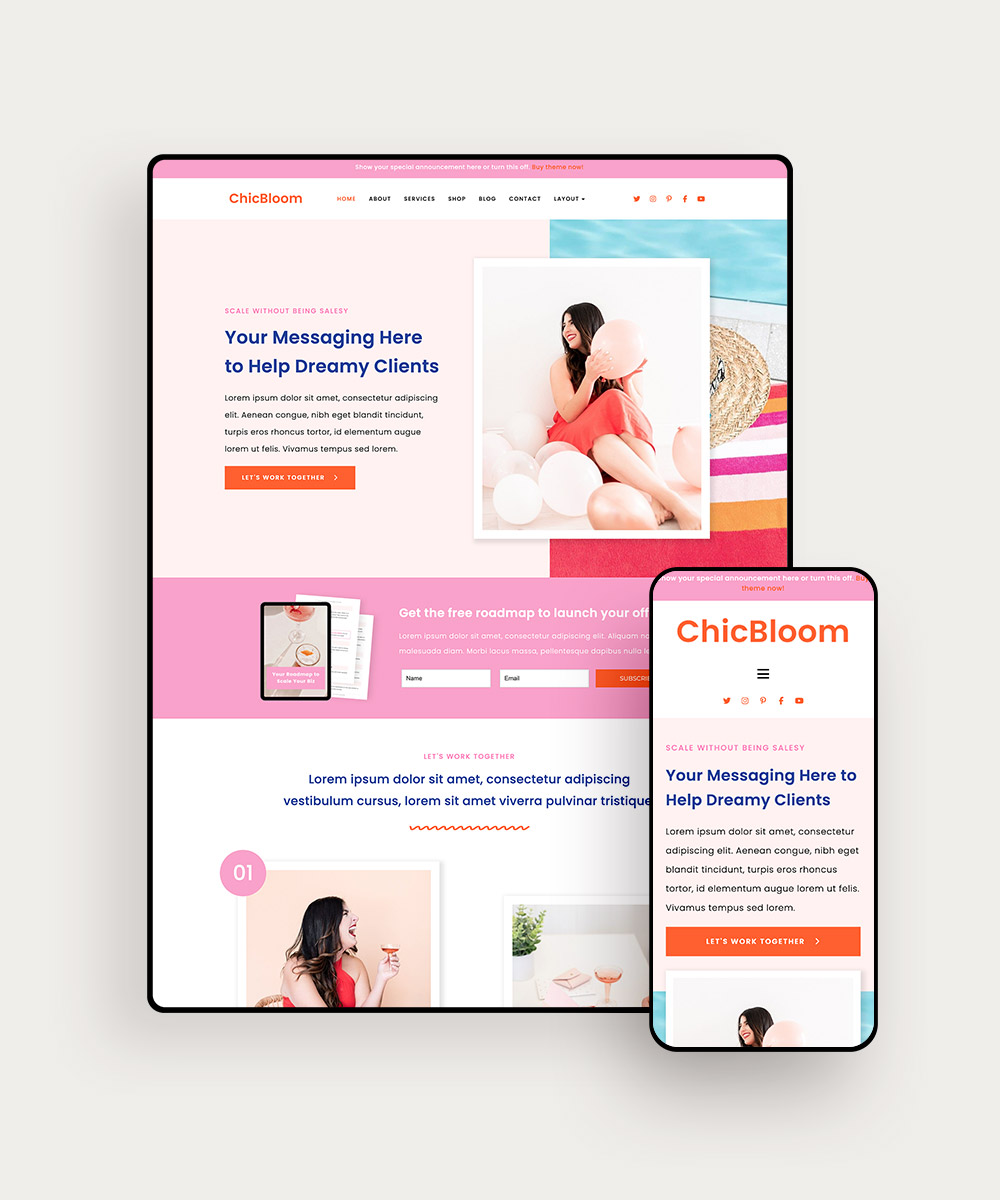
Creating a website that truly reflects your brand can be challenging, especially when you’re starting with a pre-designed template. You know these templates are there to make your life easier, but…how do you make sure it feels like you?
Many entrepreneurs worry that their site will end up looking generic, or fail to capture the unique essence of their brand. But with a little creativity, you can transform any template into a website that looks and feels like YOUR business!
Keep reading to see 7 unexpected ways to brand a website template!
PIN THIS POST FOR LATER!


Template Branding Tip #1: Swap Canvas Layouts
Many website templates come with a variety of pre-designed page layouts (the ones available in our shop do!). While it’s much easier to follow the template format, you could change up the arrangements of each page to help you customize it.
For example, swap out the services page hero with the one used on the About page. Or try moving sections from the bottom to the top.
A little change like this can create a more dynamic look and unique user experience while keeping your website on brand!
Related post: Follow these tips to choose a website template that’s perfect for your business
Template Branding Tip #2: Micro-Animations
Video content is important — but does it have a place on your website?
Yes, it does!
Small, branded animations can significantly enhance user experience and help keep you top of mind for your audience. Subtle animations like button hovers, page transitions, or a small pop up when a user interacts with an element are all great ways to do it.
These micro-interactions can add a touch of personality and playfulness, making your site more engaging and memorable, too!
If your brand is fun and quirky, use more playful animations; if your brand is sophisticated, use more subtle animations. There are plenty of ways to incorporate this into your website, no matter your brand!
Related post: 5 Ways to Extend Your Branding From Website to Social
Template Branding Tip #3: Incorporate More Typography
Typography is one of the key elements of any brand! So don’t forget to infuse your website with your branded fonts instead of defaulting to what’s already in the template.
For example, you could incorporate custom fonts or unique typographic layouts that reflect your brand’s personality and values. You could purchase a new font to do so, or use the one you’re already using for bold callouts and accents.
Experiment with font pairings, sizes, and line heights to create a visual hierarchy that guides the user’s eye and reinforces your brand message. And remember — the simpler, the better!
Related post: 5 Web Design Trends That Will Boost Your Conversion Rates
Template Branding Tip #4: Use Interactive Brand Storytelling
Stories sell, so it’s important that you include them in your copy. But how can you highlight those stories visually on your WordPress Website?
Implement interactive elements like scrolly-telling to narrate your brand’s history and values is how!
Using this approach, a user might scroll through an animated timeline of your brand’s milestones, watch videos that show your company’s values, or click on interactive elements that help tell your brand’s unique story.
Think of it like using animations or graphics, but specifically to help you tell your brand’s story versus talking about a product or service feature. This kind of immersive storytelling can keep users engaged and create a more emotional connection with your brand — a huge plus for building brand loyalty!
Related post: Is your website confusing visitors and hurting your conversion rates? Check these signs!
Template Branding Tip #5: Create a Branded 404 Page
404 pages are some of the most overlooked corners of a website! But they can be powerful branding opportunities for your business if you give them some TLC.
Instead of a generic error message, turn your 404 page into something site visitors will remember!
Use a humorous design, include a branded graphic and a clear call-to-action (for your offers, or to other pages on your site), or direct them somewhere fun (Example: “Oops! We can’t find that page for you. But here’s a video that’ll make you laugh!).
This can turn a frustrating experience into a positive brand interaction, and will definitely help you stay top of mind.
Related post: Find out 404 page tips to make the most of it
Template Branding Tip #6: Use Customized Icons
Branded icons are a fun way to show off your brand across your site! But they don’t just look good — they can also help guide your users across your site with things like navigation or social media links.
When developing the icons, keep your brand colors, fonts, and overall brand image in mind to make them look like a natural part of your overall website design.
Template Branding Tip #7: Don’t Forget the Audio
Branding isn’t just about the visuals you use! You can also build your brand with audio!
Incorporating subtle sound effects or background music that aligns with your brand helps create a more immersive experience for your users — and helps reinforce your brand identity with sensory interaction.
For instance, a meditation app might use calming background music, while a tech company might have a subtle “click” sound when someone interacts with the site. It all depends on your brand personality, but don’t be afraid to get creative!
Related post: 4 Ways to Refresh Your Website in the New Year
Find Your Perfect Template Match in the Shop!
It’s time to turn that website template into a unique and powerful representation of your brand. By paying attention to the details and thinking creatively about how to infuse your brand’s personality into every element of your site, you will make it one to remember — and one that converts leads effortlessly!
Ready to get started on your branded website? We have customizable Elementor WordPress themes in our shop! Designed to help female entrepreneurs build a professional online presence, each theme will help you showcase your offers and drive conversions.
And with the drag-and-drop Elementor plugin, it’s easy to add your brand’s colors, fonts, and other design elements — even with zero coding or design experience! No stress necessary!